Do I need to know how to code?
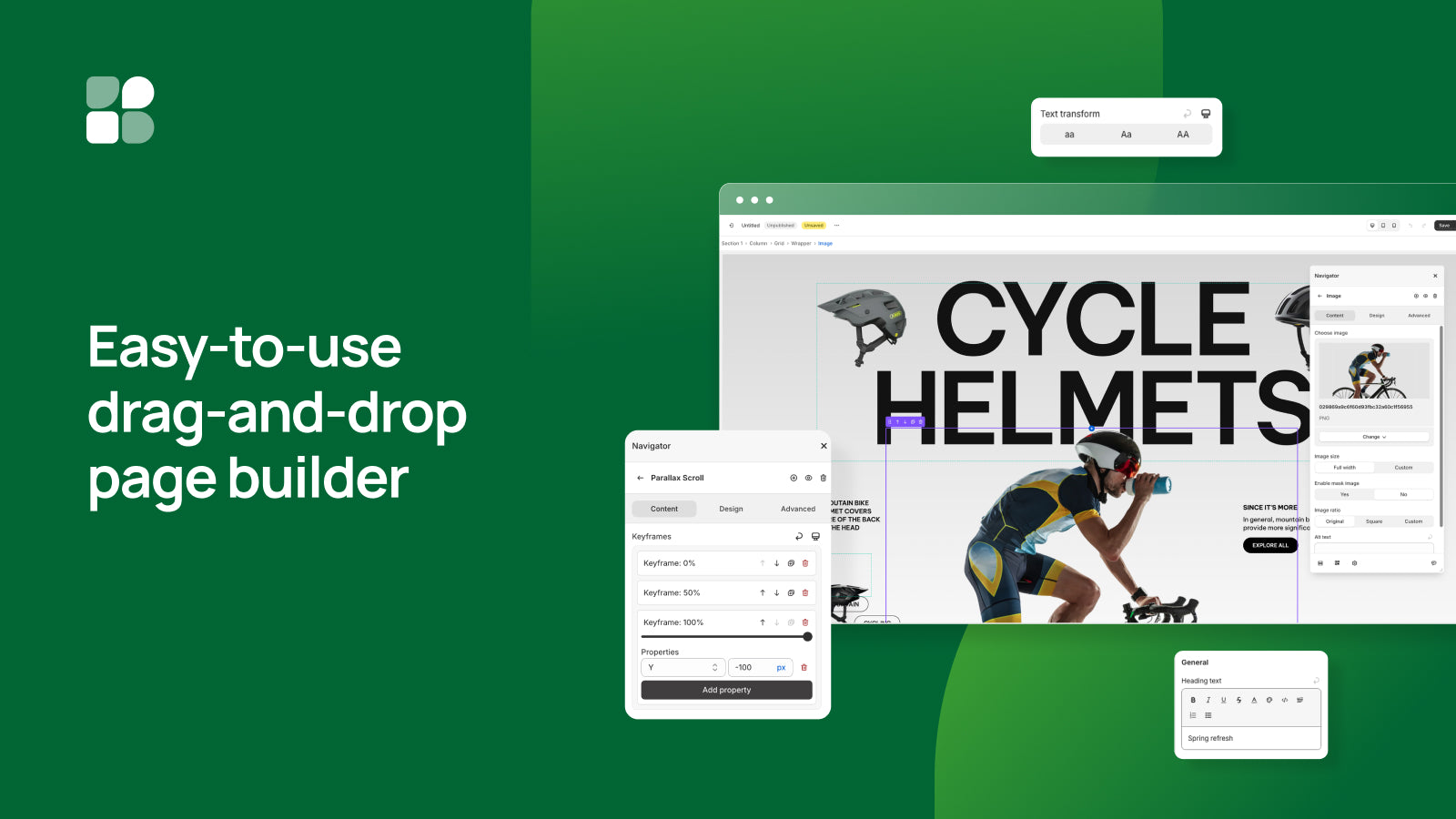
No. You build with drag and drop and edit settings in panels. If you do code, you can add custom CSS, JavaScript or Liquid where you need it.
Will it work with my theme?
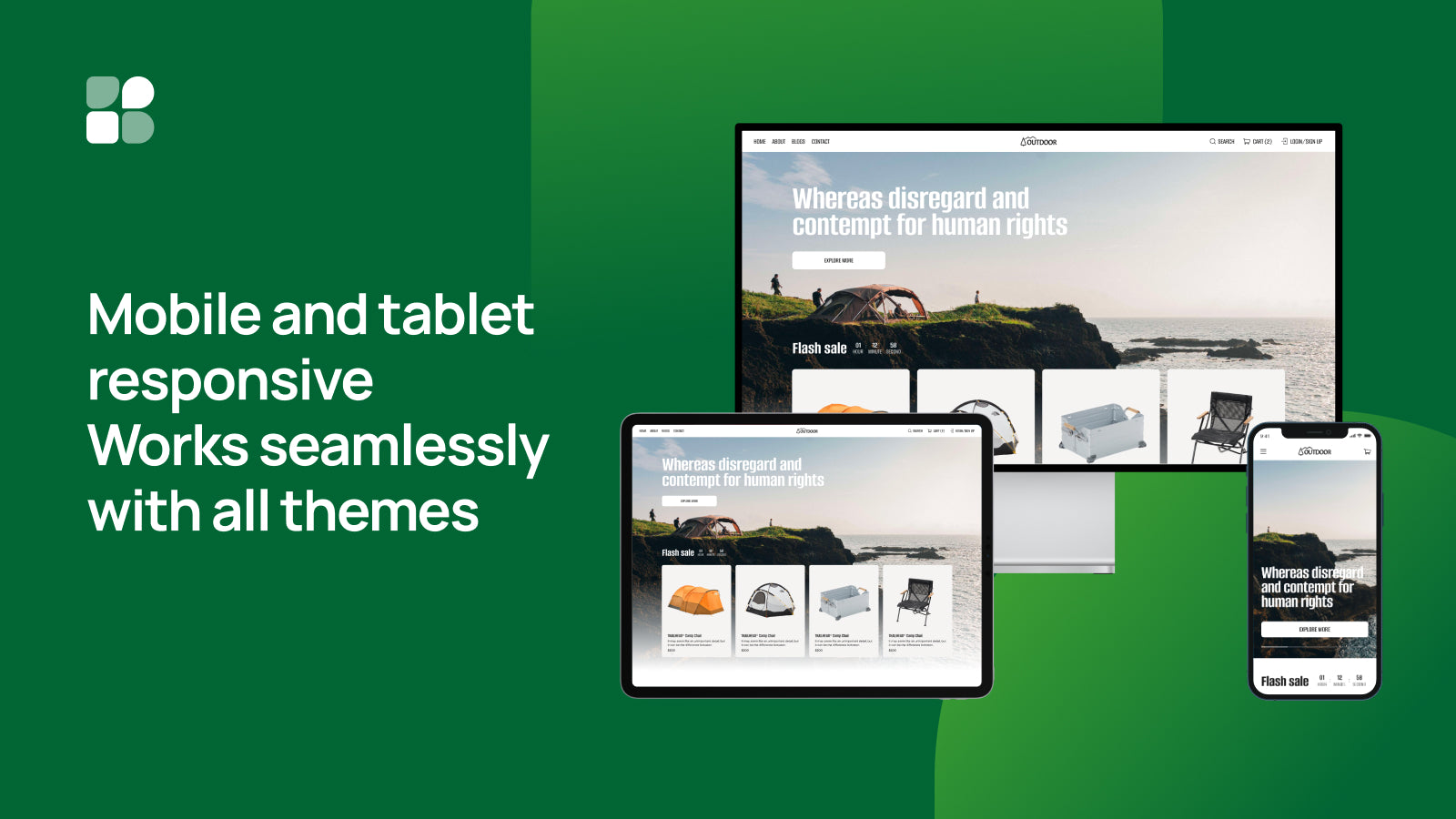
XO Builder publishes your pages and sections into the theme you already use, so your header, footer and theme settings stay the same. When you publish a new theme, XO Builder republishes your regular pages to it automatically. Turn on “Migrate all pages to new theme” in Preferences to move your home, product and collection pages too.
Do my theme sections move to a new theme too?
No. Only pages are republished automatically when you publish a new theme. Open Theme sections in XO Builder and publish each section you need to the new theme, then add it in the theme editor.
What does "create" vs "publish" mean in the plan limits?
Create is how many pages, sections or mega menus you can build and save in the app. Publish is how many of them can be live in your store at the same time.
Is there a free trial?
Basic and Pro include a 7-day free trial. You can also stay on the Free plan for as long as you like.
Can I go back to an earlier version?
Yes. Basic keeps 30 days of version history and Pro keeps unlimited history, so you can restore a page after a change you don't like.
What happens if I uninstall?
Unpublish your home page and any other published pages in XO Builder before you uninstall. Once the app is removed it can no longer make changes to your store, so pages that are still published can show errors.
How do I get help?
Every plan includes live chat support inside the app. You can also read the documentation.